Guidance Settings
Access Guidance line settings in the Guidance menu. This screen contains the saving, realignment, manual adjustment, and advanced curve settings options.
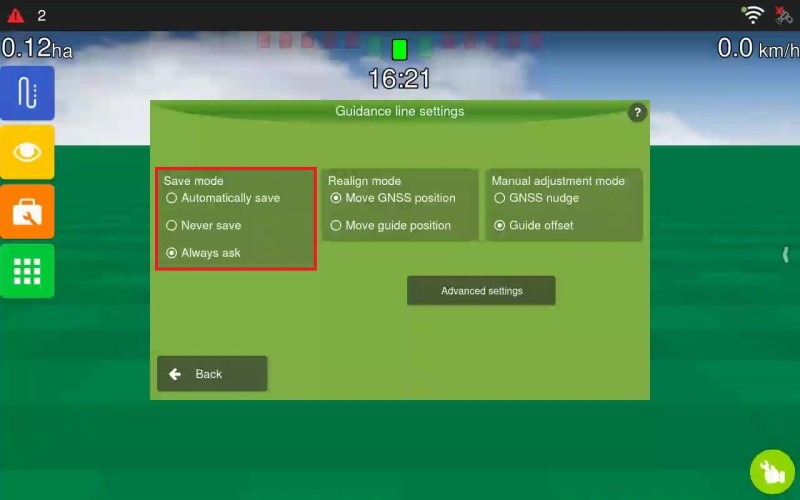
- Guidance saving: Defines how the system saves newly created guidance lines. There are three options:
Save automatically: The system saves the guide with an automatically generated name (date + number).
Never save: The guide line is not saved and remains available only as a temporary guidance line.
Always ask: The system asks the operator whether they want to save it and allows the name to be edited.
Realign
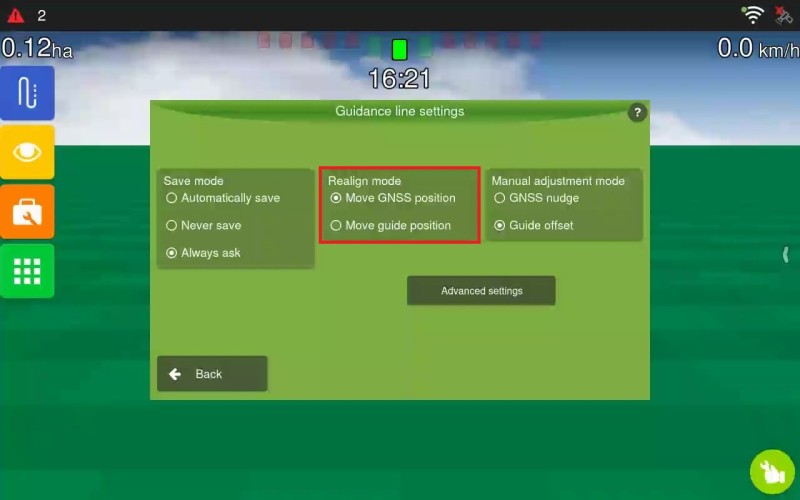
Defines the behaviour of the Realign button during operation.
-
Move the GNSS position: Adjusts the GNSS position of the guidance line to where the vehicle/antenna is, aligning it with zero error. The original guidance line positions are discarded. This option is recommended to compensate for steering deviation caused by variations in satellite positioning.
-
Move the guide position (creating a new one): Creates a guidance line at the vehicle’s current position. The original guidance line remains accessible in the manager, if saved.
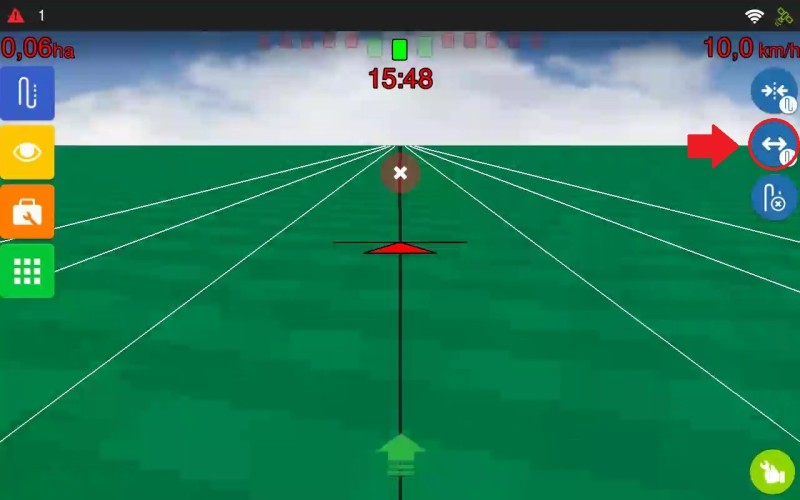
The button is located near the top-right corner after pressing the Guidance button.
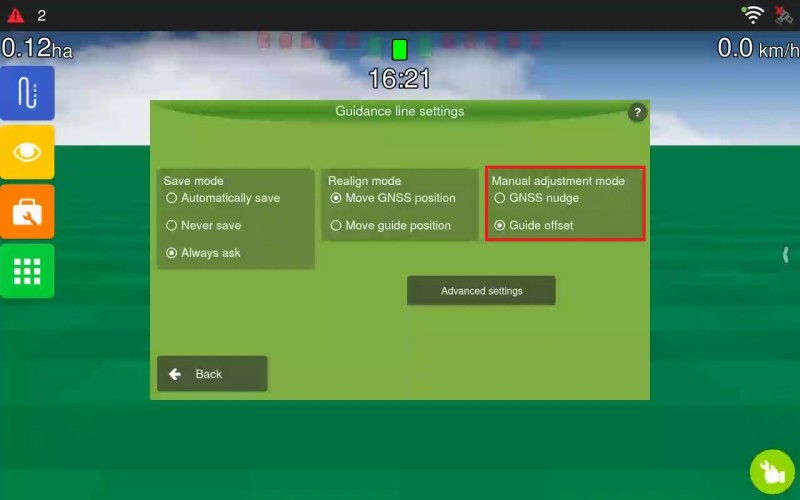
Manual Adjustment
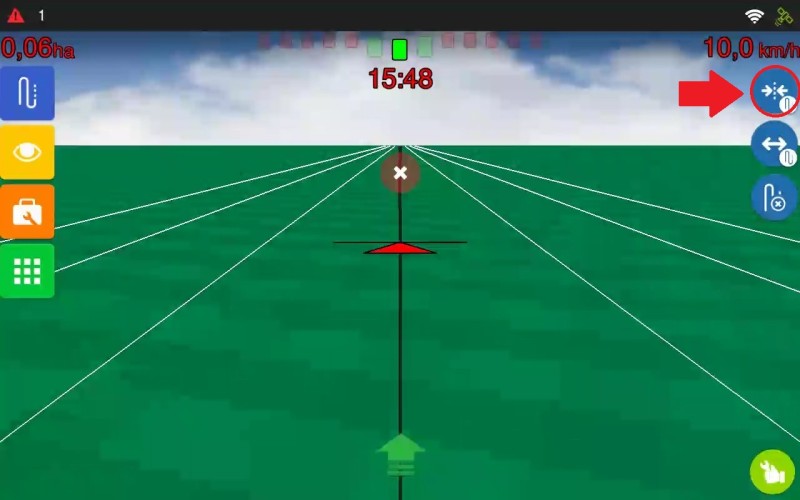
Defines the behaviour of the Manual adjustment button during operation.
-
GNSS position adjustment: Moves the guidance line 2 cm with each tap, to the left or right. Ideal for fine adjustments.
-
Guidance line offset: Creates a guidance line at the distance and direction entered by the operator. The original guidance line and its parallels continue to exist.